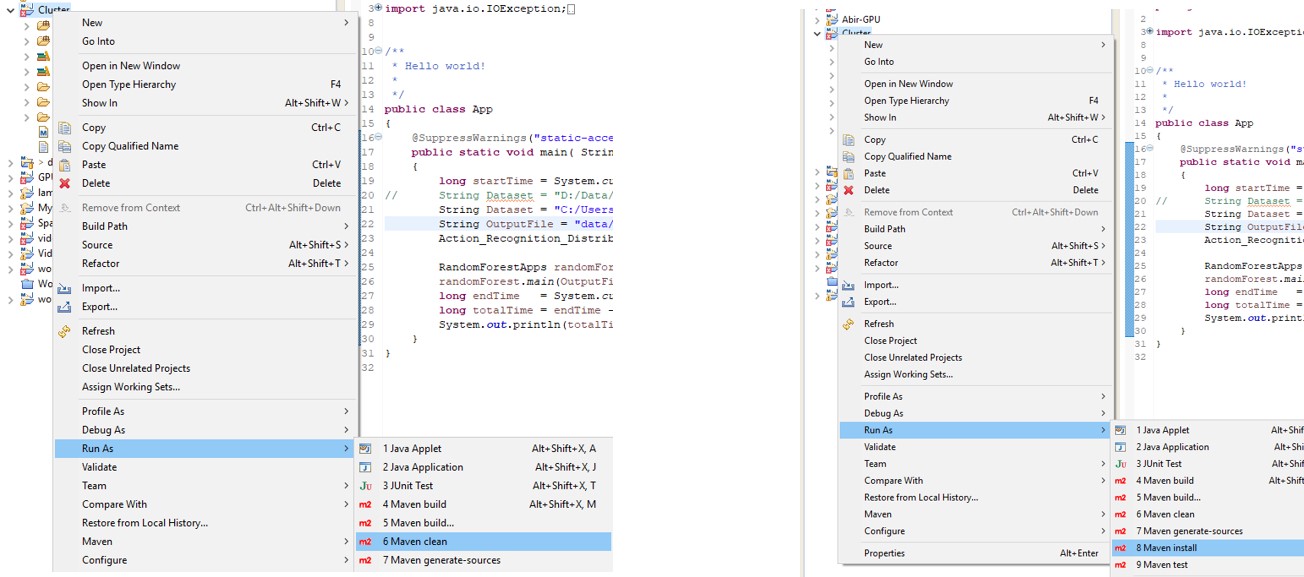
Jar File Creation
- Click in Project Folder
- Then Right Click → Run As → Maven Clean
- The output shows Build Success
- Then again Right Click → Run As → Maven Install
Save File To HDFS and Run Program
- Find the Jar File: The jar file is located at the target directory within project
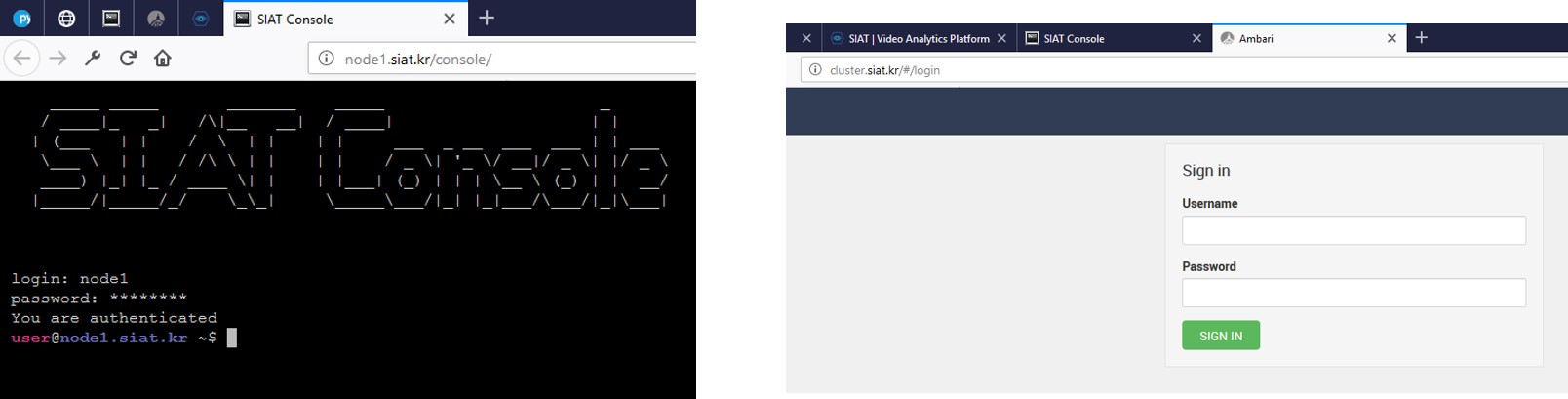
- Go to HDFS directory and upload the Jar file: http://cluster.siat.kr/
- Go to consolehttp://node1.siat.kr/console/
- Have to go the spark-client folder:
cd /usr/hdp/current/spark2-client
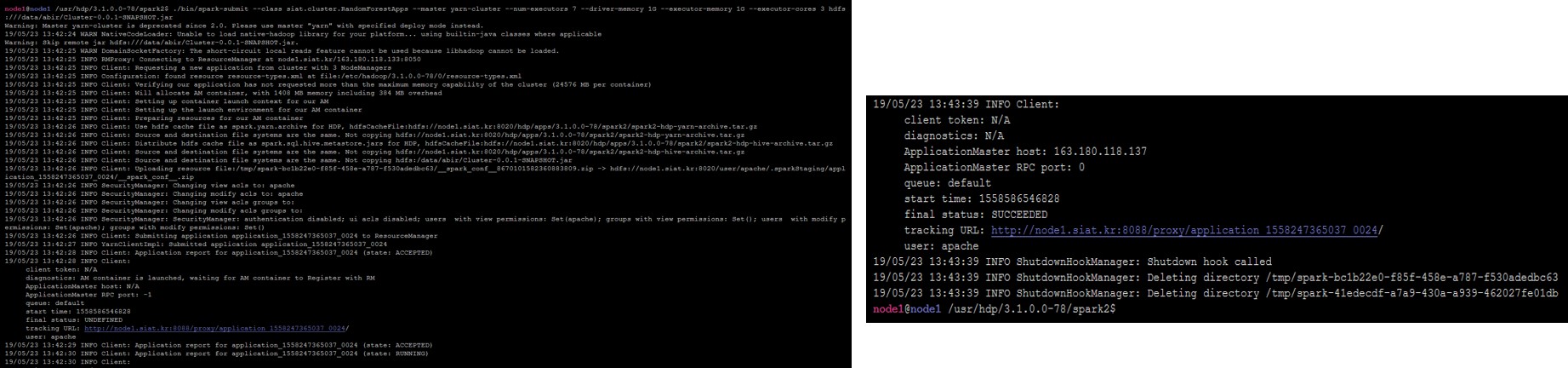
- Run Command:
./bin/spark-submit --class siat.cluster.RandomForestApps --master yarn-cluster --num-executors 7 --driver-memory 1G --executor-memory 1G --executor-cores 3 hdfs:///data/abir/Cluster-0.0.1-SNAPSHOT.jar
- Test file is given to the directory as well as Datasets